Wednesday, February 28, 2018

February Evaluation

This month was an interesting month.

I learned a lot of new things this month and refreshed my memory on GameMaker Studio.

I started off this month with an idea of what my game should be about.

I thought about the idea of making an skill based arena fighter.

I got some sprites off a video on youtube and planned for using those as my main person sprites.


I used these sprites and some spirtes I made that I would use for now as a baseline.


This month I learned how to use and change between states together and how to get better at my art so that I don't have to always use sprites off the web.

Here is my playable game so far:

https://1drv.ms/u/s!AspKoO8VI6uZg7cTdxF8vgdaSOGJog

Next month I plan on working more on my game and plan on accomplishing attacking and doing damage with my player.

Monday, February 26, 2018

Day 15

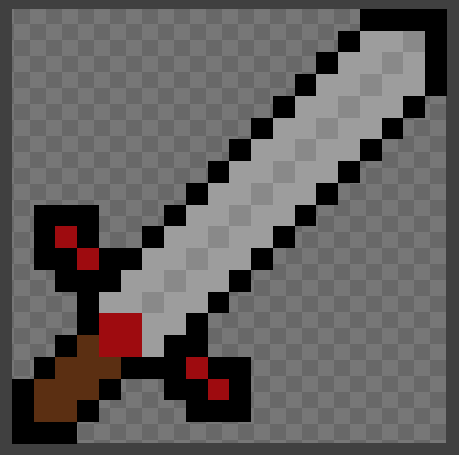
Today I changed my sword sprite to make it bigger so that the sword attack animation doesn't look bigger than the sword size.

So i worked again inside the gamemaker studio sprite editor and made a bigger sword.

This is what it looked like at the end


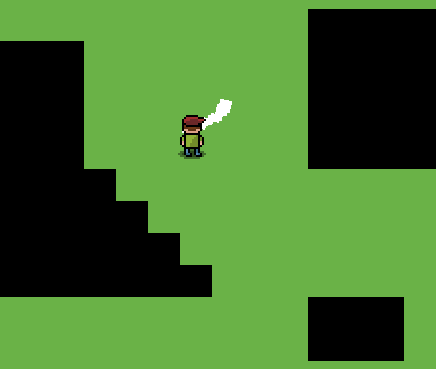
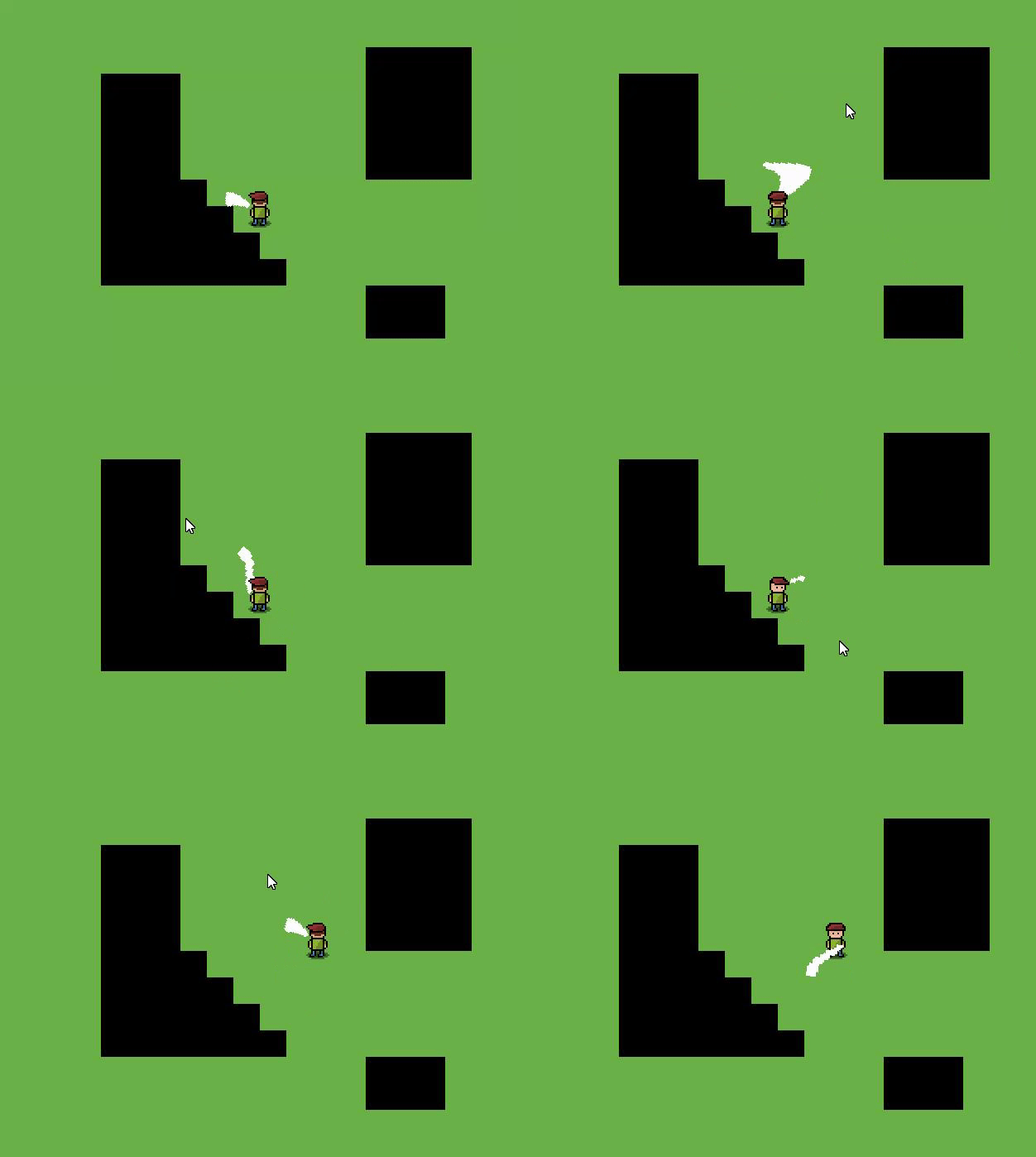
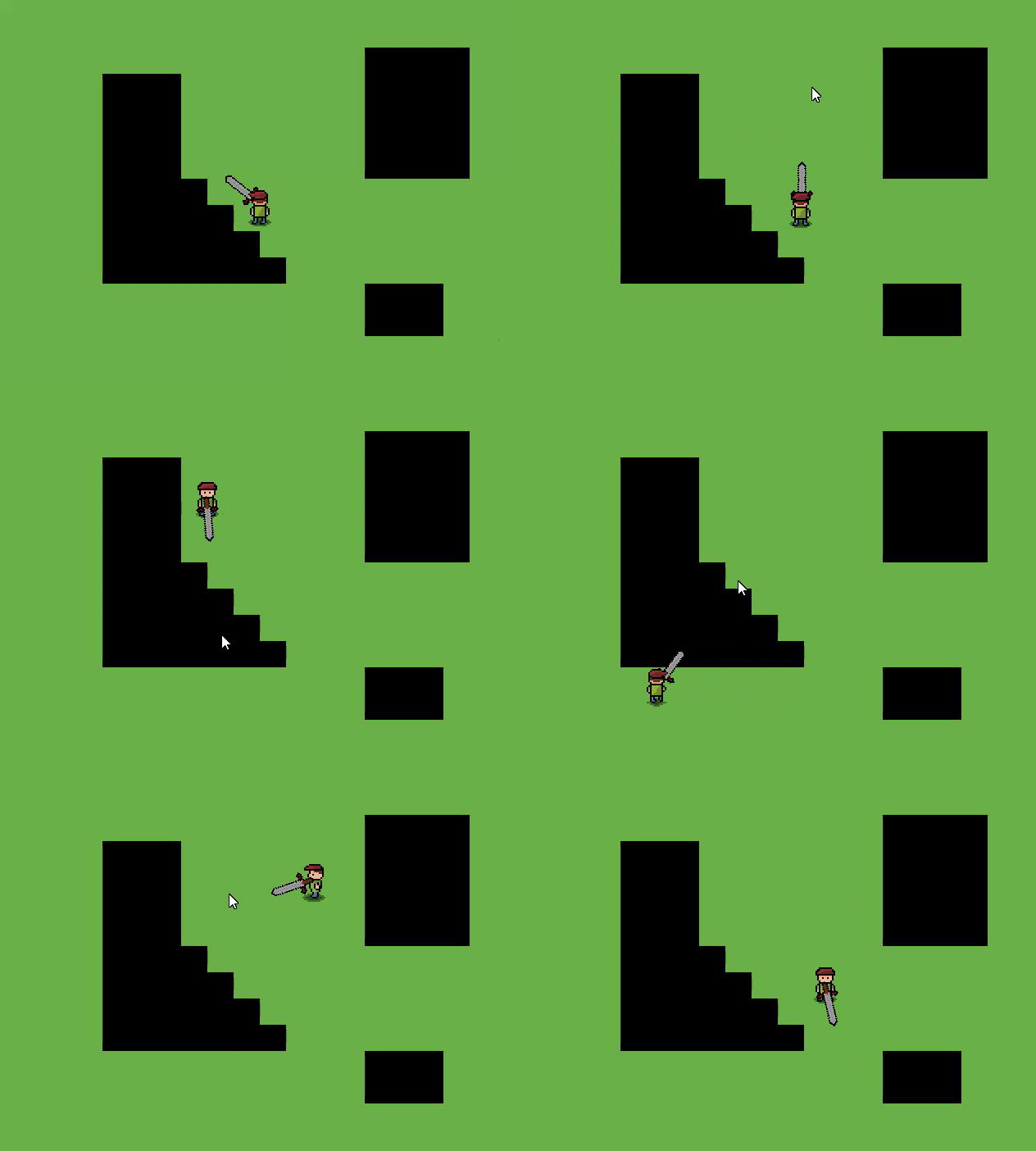
This is how the game looks like now:

Tomorrow I will be writing my evaluation for my game.


Wednesday, February 21, 2018

Day 14

Today I remade my sword animation.

I realized the the current sprite isn't really centered and it looks like the person is attacking on one side than the whole front of him.

So inside of the gamemaker sprite editor, I remade the sprite so that it is more centered.


Today I learned how to use the sprite editor inside of gamemaker to create a sprite.

Tomorrow I plan to change the main sword sprite and make it bigger so that it fits with attack animation.

Tuesday, February 20, 2018

Day 13

Today I finally did fixed the bug and got my attack to work.


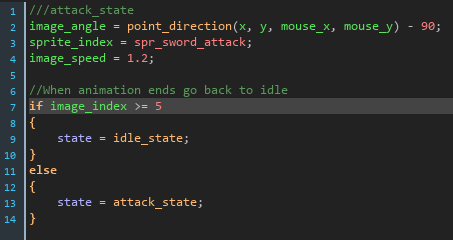
I added an if statemant that said that it only resets when the image index (current frame) is bigger than 5 (as my animation only has 4 frames and it starts at 0) then to go to the idle state. And if not then to keep it in the attack_state.

Today I learned how to count the current frame and use that to wait until an animation is over to switch states.

Tomorrow I will probably change some sprites or add something new.

Monday, February 19, 2018

Day 12

Today I made some progress on the animation.
It is resetting back to the idle state but it is only displaying the first frame of the animation.

I cant really show you a picture as the gif wouldn't be in sync with the one frame time window, but it just shows one frame then resets.

What I think is wrong is that i have to make it so that it counts the frames and doesn't reset until the animation is over.

I will do this tomorrow

Thursday, February 15, 2018

Day 11

So today I tried to add the code so that when the animation finishes that it would go back to the idle state.
But I legit couldn't get it to work.

I tried messing with the code a bit but it just freezes like this and doesn't stop

I really didn't learn anything today

Tomorrow I will keep trying to fix it. I have a few things in mind like i think I know why it doesn't wotk but i have yet to try it.

Wednesday, February 14, 2018

Day 10

Today I finally found the problem and fixed it.

It took a while and a lot of brain power but the problem was that even though I reset the angle, since the original angle was in the step event, it just kept resetting back every frame.

So to fix this I had to make an idle state and made it so that it can't go back to idle state until the attack state is finished. And that worked.


Today I learned how to fix my problem so that it doesn't happen in the future and if it does, then I know how to fix it faster.

So now all I have to do is make it so that when the animation finishes that it would go back to the idle state.

I will do this tomorrow.

Animate Lines and Ripple effect

Screenshot from Animate CC Animated GIF (Button does not work) Adobe Flash Player Version